What is SwitchTab?
SwitchTab is a free, native macOS utility for keyboard-first switching between running apps and the windows of the current app.
 SwitchTab
Free native macOS app and window switcher
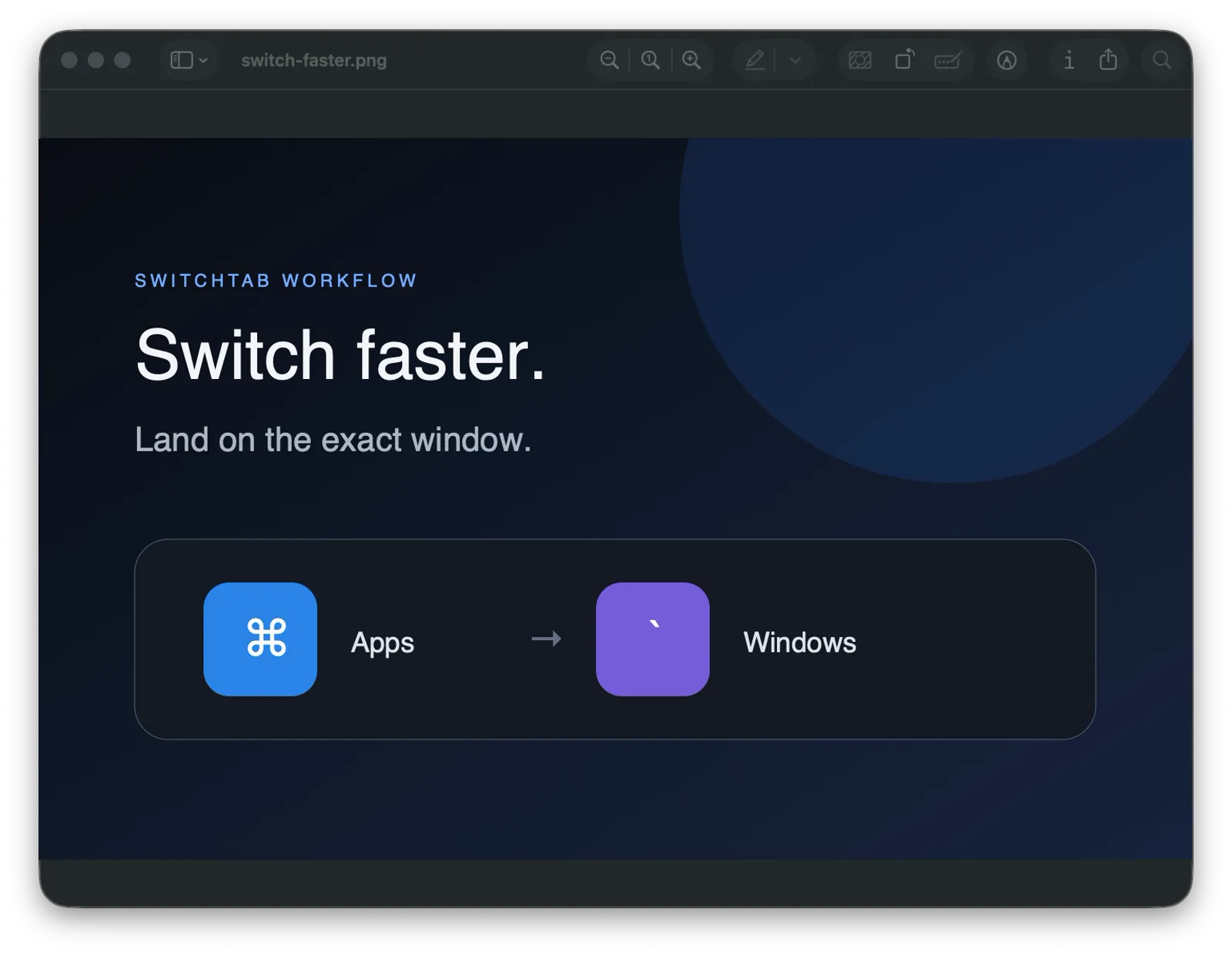
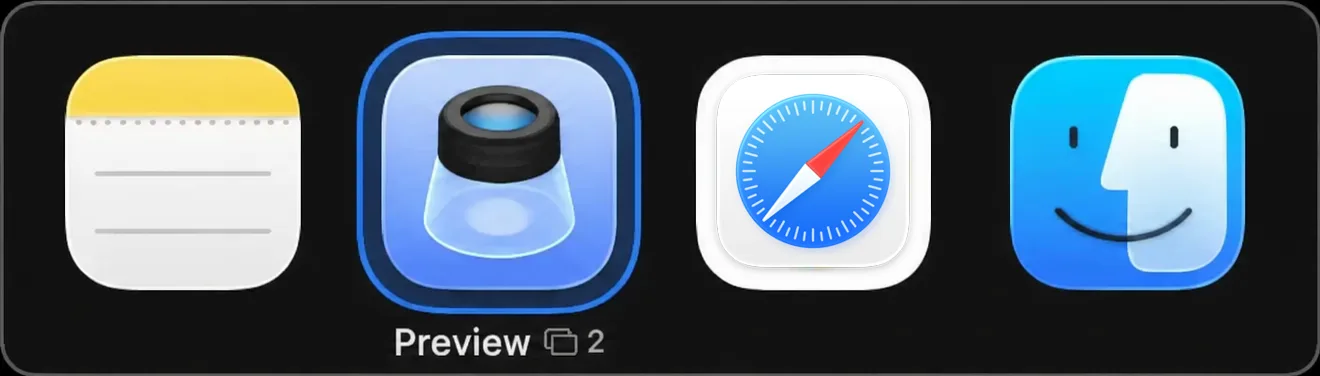
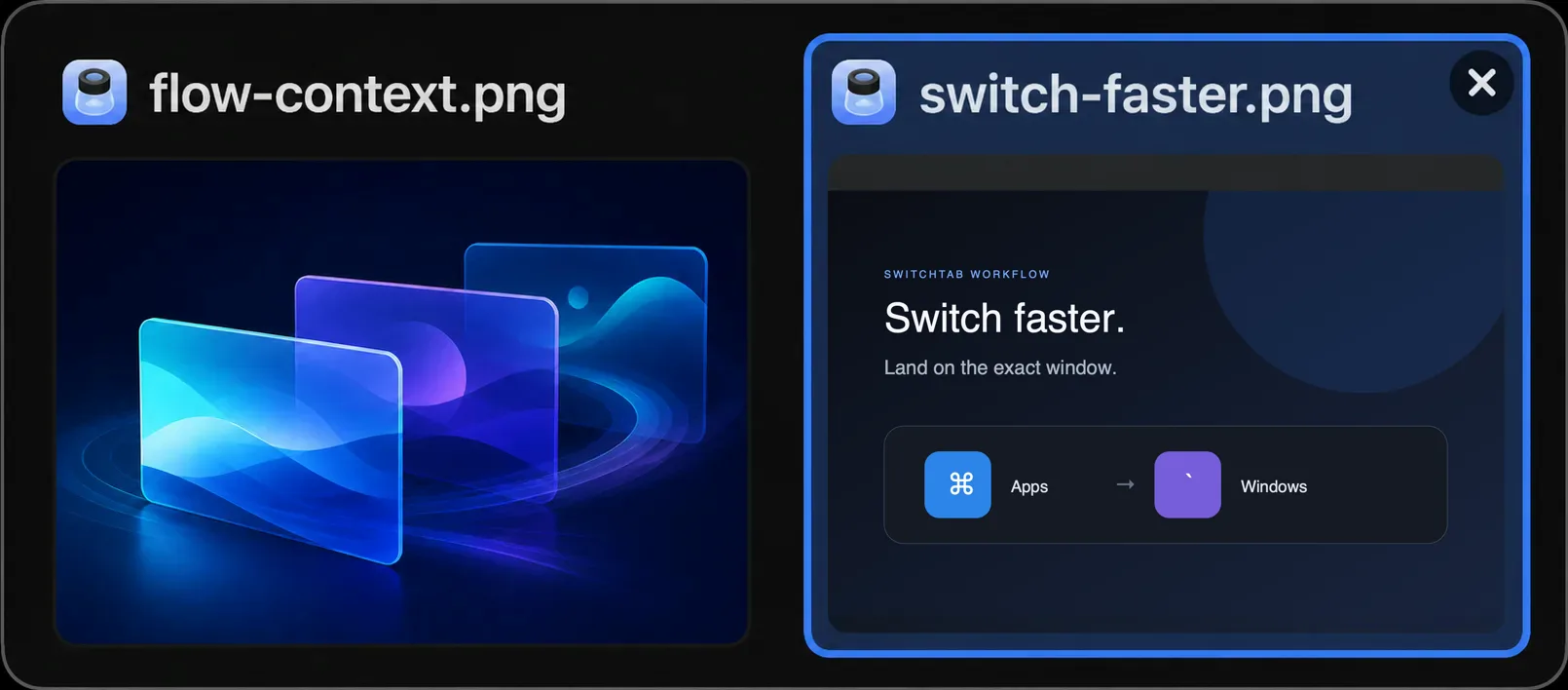
Use ⌘Tab to move between apps, then ⌘` to choose a window without releasing Command.
Get it running
Install the latest signed release with Homebrew, or grab the DMG straight from GitHub. No account, no subscription.
Copy this prompt into a coding agent with local terminal access on your Mac. Chat-only tools cannot install apps. You still approve macOS permissions yourself.
The flow
Press your shortcut and the switcher appears exactly where you need it.
Tap through apps or windows. The selected destination stays clear.
Let go and land there. Click works too when your pointer is closer.
Quick answers
What SwitchTab changes, what it needs, and what it costs.
SwitchTab is a free, native macOS utility for keyboard-first switching between running apps and the windows of the current app.
macOS Command-Tab switches between apps. SwitchTab keeps that app flow and lets you move into the highlighted app’s windows without releasing Command.
No. Accessibility permission is required to discover and focus windows. Screen Recording is optional and used only for live previews; switching still works with app icons and placeholders.
Yes. SwitchTab has no ads, purchases, subscription, analytics SDK, or account, and no remote service is required for switching.
How to switch between apps and windows on Mac · Native shortcuts, window previews, and when to use SwitchTab.
Everything in reach
Built for the moment between “where was that?” and “there it is.”
Application switching
Configurable Cmd-Tab switching brings a compact, focused overlay to your workflow. Forward and reverse cycling are always one rhythm apart.
Current-app windows
Use Cmd-Backtick to stay inside the app at hand. Window titles and previews make the next destination unmistakable.
Fewer places to look
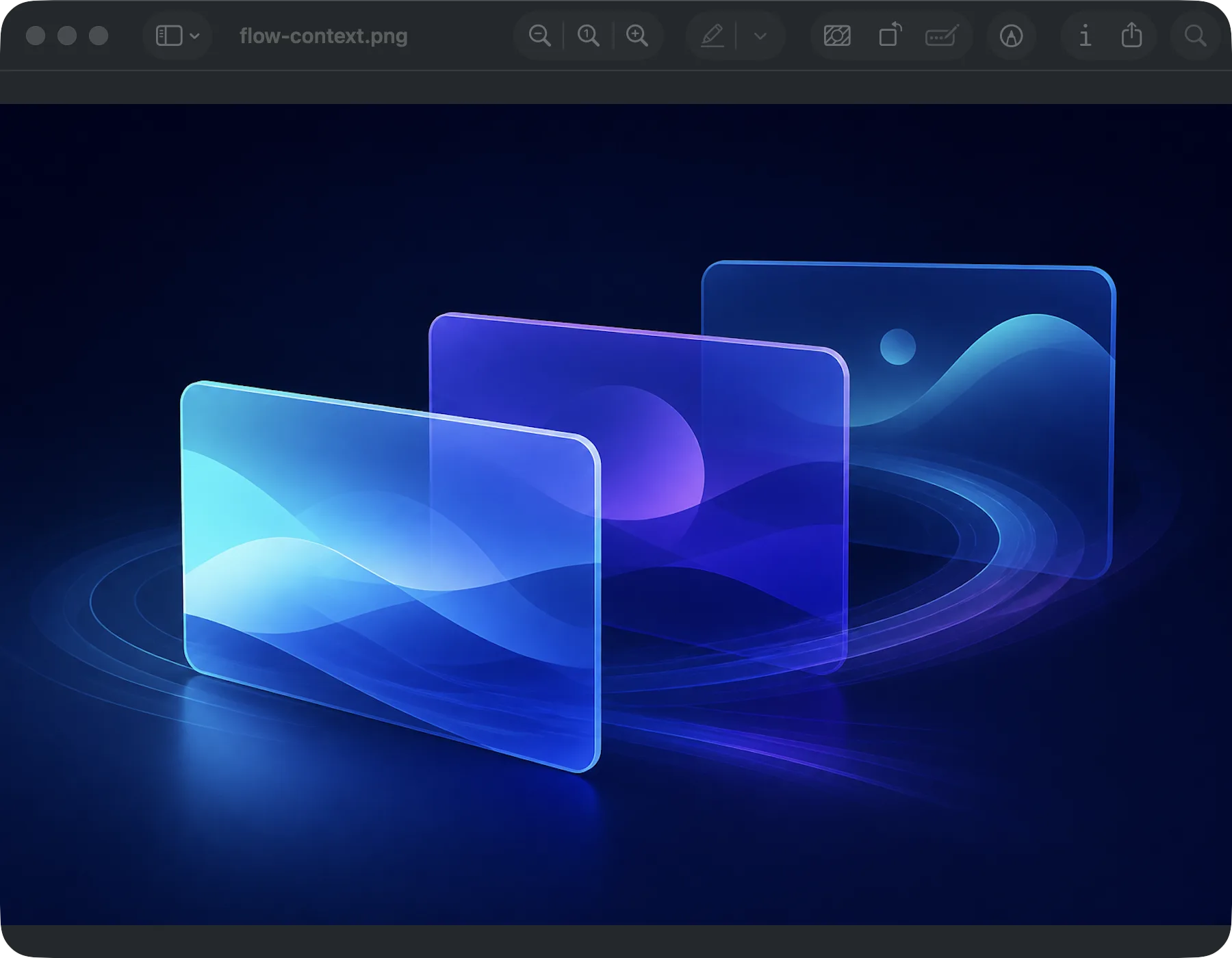
Spaces and second monitors ask you to remember geography. SwitchTab asks you to remember one shortcut — stack windows wherever they land and pull the one you want to the front.
Private by design
Accessibility powers focus and switching. Screen Recording is only for previews. No account, ads, subscription, or telemetry.